This page covers everything you need to know about withdrawing funds on kingph — from supported Philippine payment methods like GCash and Maya to step-by-step instructions and processing timelines. All amounts are in Philippine pesos (₱ PHP) and the guide is written in plain Philippine English so every step is easy to follow.
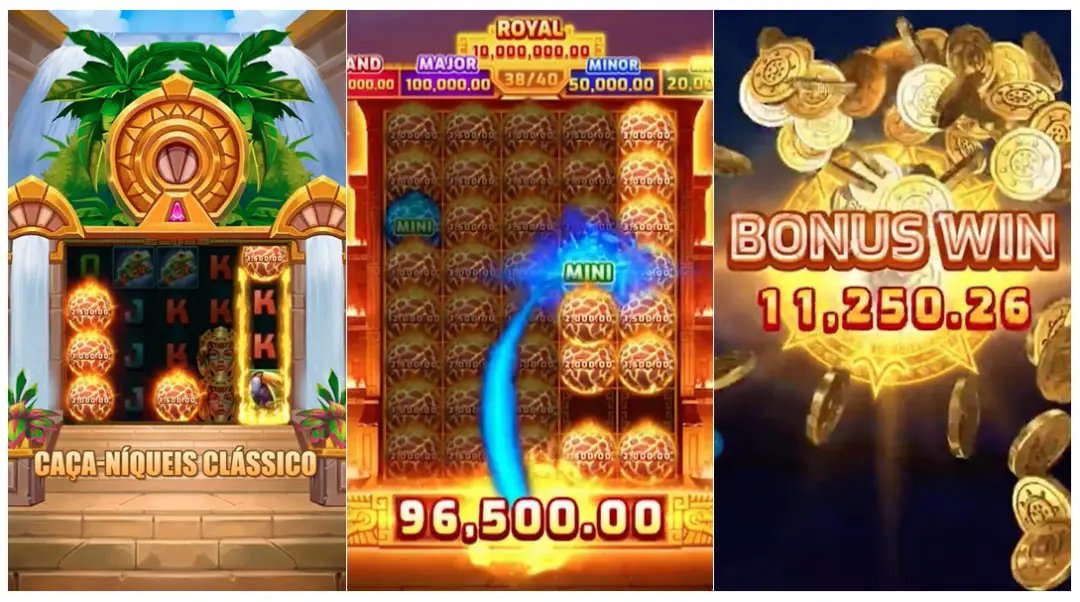
The kingph withdrawal section is where registered Philippines members can request to cash out their winnings directly to a local payment method in Philippine pesos (₱). Once your account is verified, you can submit a withdrawal request through the platform at any time — the process is fully mobile-friendly so you can do it straight from your smartphone. kingph supports popular local channels including GCash, Maya, and major Philippine bank transfers, making it convenient for players across the country. Minimum withdrawal amounts and processing times vary by method, and all details are clearly listed so there are no surprises. If you run into any questions along the way, the FAQ page has step-by-step guidance ready for you.
kingph keeps cashouts straightforward for every Filipino player.
The two most widely used e-wallets in the Philippines are fully supported on kingph. Withdrawals to GCash and Maya are processed quickly and land directly in your e-wallet balance. Just make sure the mobile number on your kingph account matches your registered e-wallet number. This is the fastest route for most Filipino players who prefer cashless transactions on their phones.
kingph supports direct bank transfers to major Philippine banks including BDO, BPI, Metrobank, and UnionBank. You will need to provide your full account name, account number, and bank branch when submitting a bank withdrawal request. Processing for bank transfers typically takes one to three banking days depending on your bank. This option is ideal for members who prefer to receive larger amounts directly into their savings or current account.
All withdrawal requests on kingph go through a verification step to protect your funds and prevent unauthorised transactions. Your account must be fully verified with a valid Philippine ID before your first withdrawal can be processed. This one-time step keeps your account safe and ensures that only you can access your winnings. Once verified, subsequent withdrawals are processed smoothly without repeated ID checks.
The entire kingph withdrawal flow is designed to work smoothly on any Android or iOS device without needing to install a separate app. You can log in through your mobile browser, navigate to the withdrawal section, fill in the amount and payment details, and submit your request in under two minutes. The interface adjusts automatically to smaller screens so buttons and input fields are always easy to tap. Filipino players on the go can manage their cashouts from anywhere with a stable internet connection.
Go to kingph Login and sign in using your registered mobile number and password. Make sure your account is fully verified with a valid Philippine government-issued ID before proceeding. If you have not yet registered, you can create a free account in just a few minutes.
Once logged in, navigate to the Withdrawal page from your account dashboard or from the top navigation menu. You will see your available balance and a list of supported payment methods. Select the method that works best for you — GCash, Maya, or bank transfer.
Type in the amount you wish to withdraw in Philippine pesos (₱). Enter your GCash or Maya mobile number, or your bank account details if you chose bank transfer. Double-check all details carefully before submitting — incorrect account numbers can delay your cashout.
Submit your request and wait for the confirmation notification. kingph processes most e-wallet withdrawals within a few hours during business hours. Bank transfers may take one to three banking days. You can check the status of your request from your account transaction history at any time.
Quick reference for Philippine players on kingph cashout options.
Check out these sections to get the most out of your kingph experience.
Place bets on basketball, football, and more Philippine favourites. Visit the Sports section to see all available markets and upcoming events.
Enjoy slots, live dealer tables, and more on the Casino page. All games are accessible directly from your mobile browser without any downloads.
Got questions about your cashout or account? The FAQ section covers the most common withdrawal queries with clear, step-by-step answers for Filipino players.
Quick answers to the most searched withdrawal questions on kingph.
Most GCash and Maya withdrawals on kingph are processed within a few hours on business days. Bank transfers to Philippine banks like BDO, BPI, and Metrobank typically take one to three banking days depending on your bank's clearing schedule. Processing times may be slightly longer during weekends or public holidays in the Philippines. You can always check the status of your request in your account transaction history. If your withdrawal has not arrived after the expected timeframe, visit the FAQ page for guidance on what to do next.
The minimum withdrawal amount on kingph depends on the payment method you choose. For GCash and Maya, the minimum is ₱100 per transaction. For bank transfers, the minimum is ₱500 per request. There is no maximum withdrawal limit stated for standard accounts, but very large amounts may require additional verification for security purposes. All amounts are in Philippine pesos and are clearly shown on the withdrawal form before you confirm your request.
Yes, kingph requires all members to complete a one-time account verification before their first withdrawal can be processed. You will need to submit a valid Philippine government-issued ID such as a PhilSys card, passport, driver's licence, or SSS/GSIS ID. Verification is a standard security measure to protect your funds and confirm your identity as a Philippines-based player. Once your account is verified, you will not need to repeat this step for future withdrawals. If you have not yet registered, you can sign up here and start the verification process right away.
Absolutely — the kingph withdrawal process is fully optimised for mobile browsers on both Android and iOS devices. You can log in, navigate to the withdrawal section, select GCash as your method, enter your registered GCash mobile number and the amount, then submit your request all from your phone. No app download is required; the mobile browser experience on kingph is smooth and responsive. Make sure the GCash number you enter matches the one registered on your kingph account to avoid any delays. For more tips on using kingph on mobile, check the FAQ section.
If your kingph withdrawal has not arrived within the expected processing time, the first step is to check your account transaction history to confirm the request was submitted successfully. Make sure the payment details you entered — such as your GCash number or bank account number — are correct, as errors in these details are the most common cause of delays. If everything looks correct and the funds still have not arrived after the stated processing window, reach out to the kingph support team via the contact details on the FAQ page. Keep your transaction reference number handy when you contact support, as this will help the team locate your request quickly.
Log in to your kingph account now and submit your withdrawal request in just a few taps. New to the platform? Register today and start enjoying sports betting and casino-style games built for Filipino players — with local PHP payment support from day one.